Chrome extension
Get your ducks in a row.
DemoDuck is the Chrome extension for preparing, running, and following up on a demo. It starts with a live tracker that keeps the room anchored to why they're there.
Free for everyone.
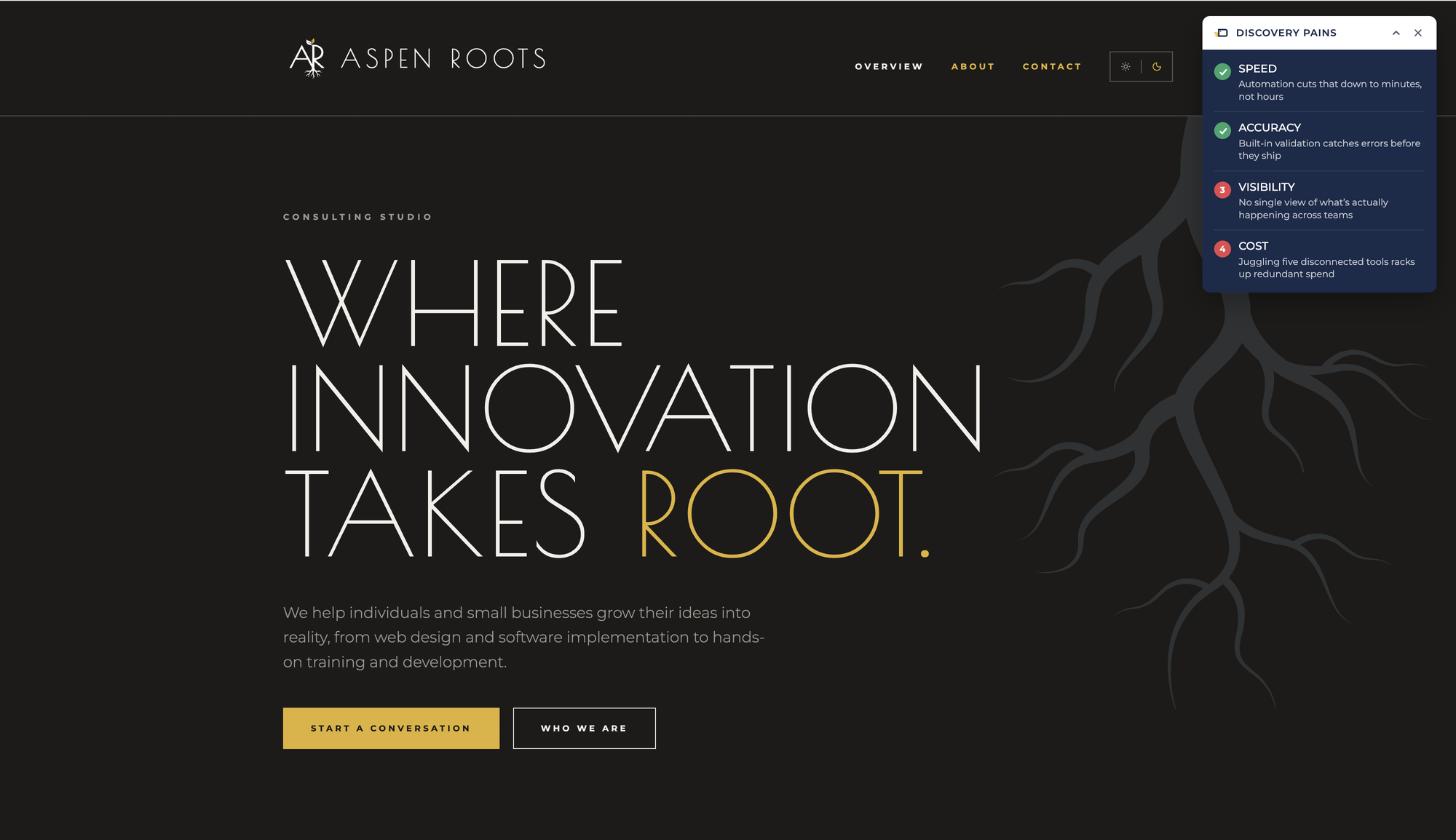
Before: Build it before the call.
Set up your presentation, match the prospect's brand, and preview it as you go.
During: Keep the room anchored.
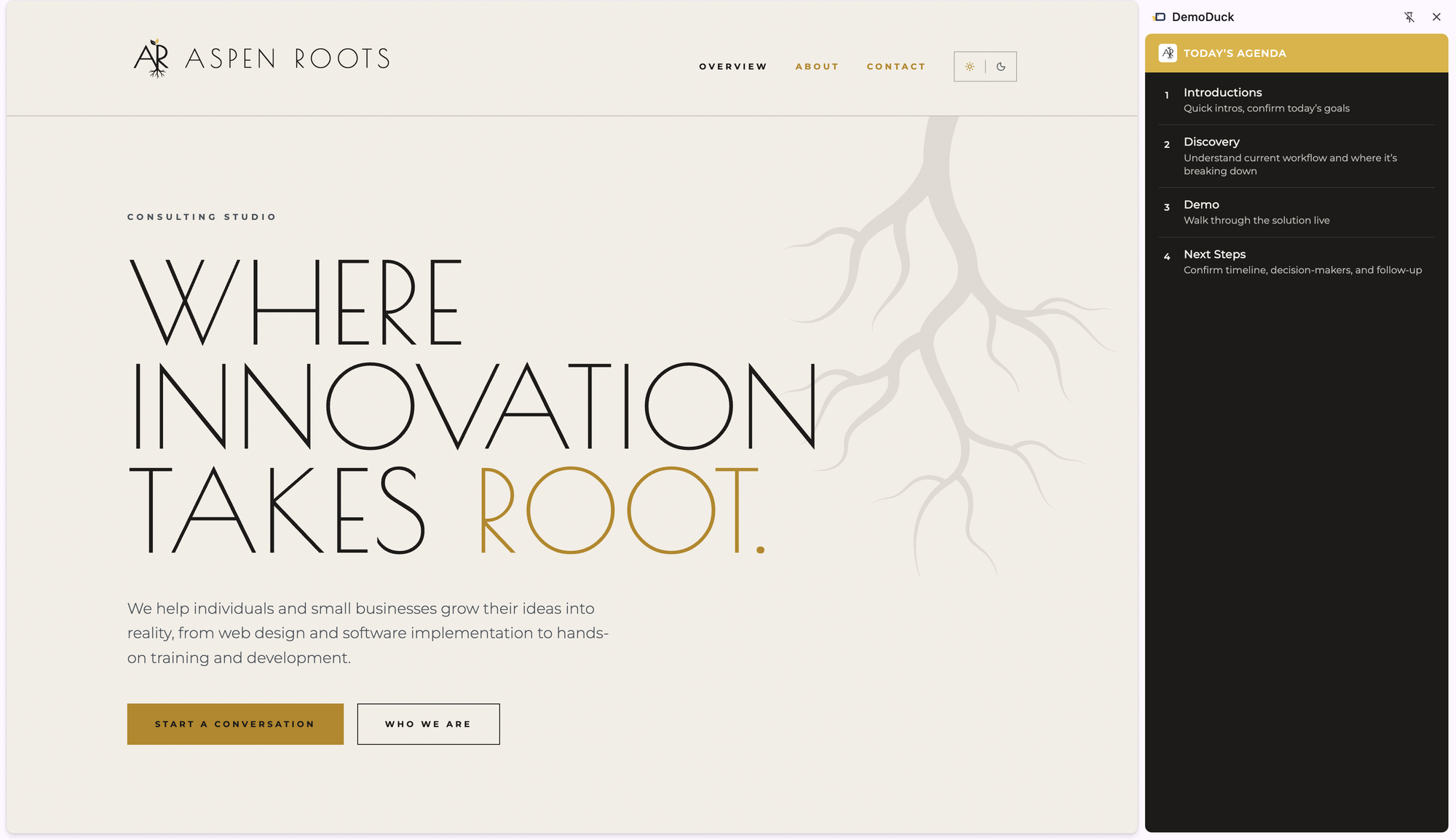
Check items off live, in a side panel or a modal that never covers what you're showing.
After: Stay organized.
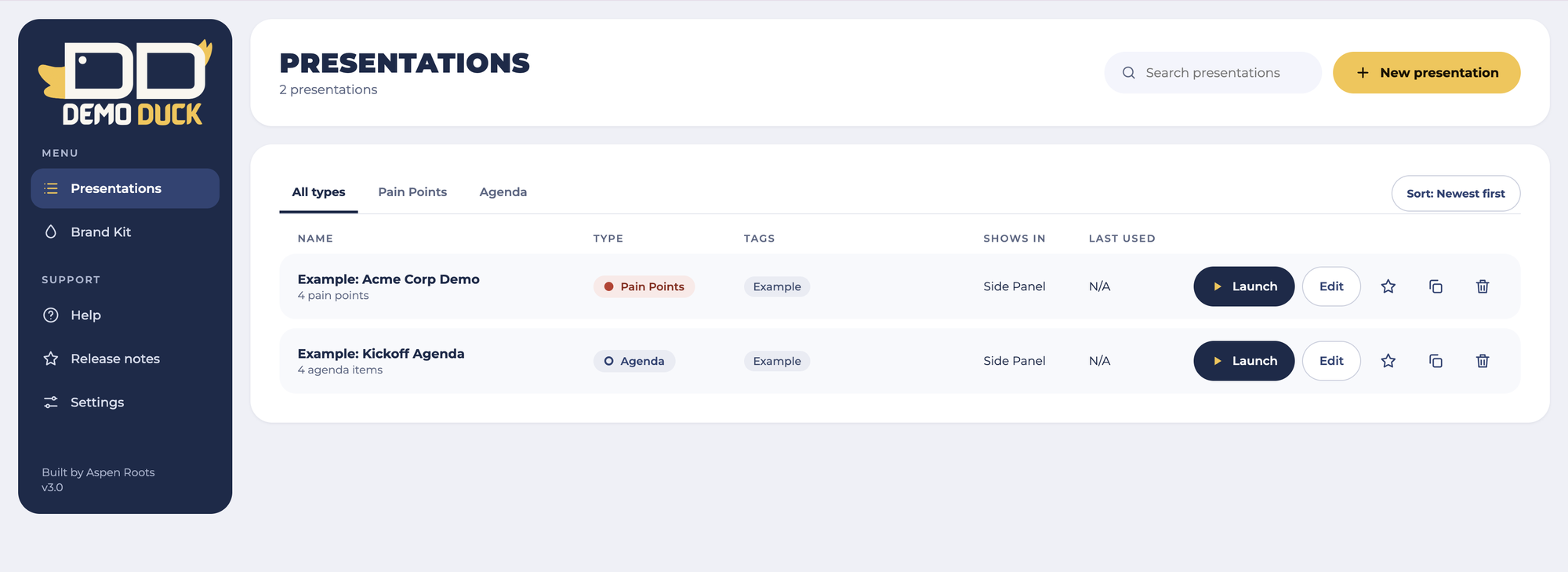
Tag by client, search, and reuse presentations for the next call.
Presentations
Keep the room anchored to why they're there.
Meetings and demos drift. Your tracker stays on screen, so the reason for the meeting stays in front of everyone.
Pain Points
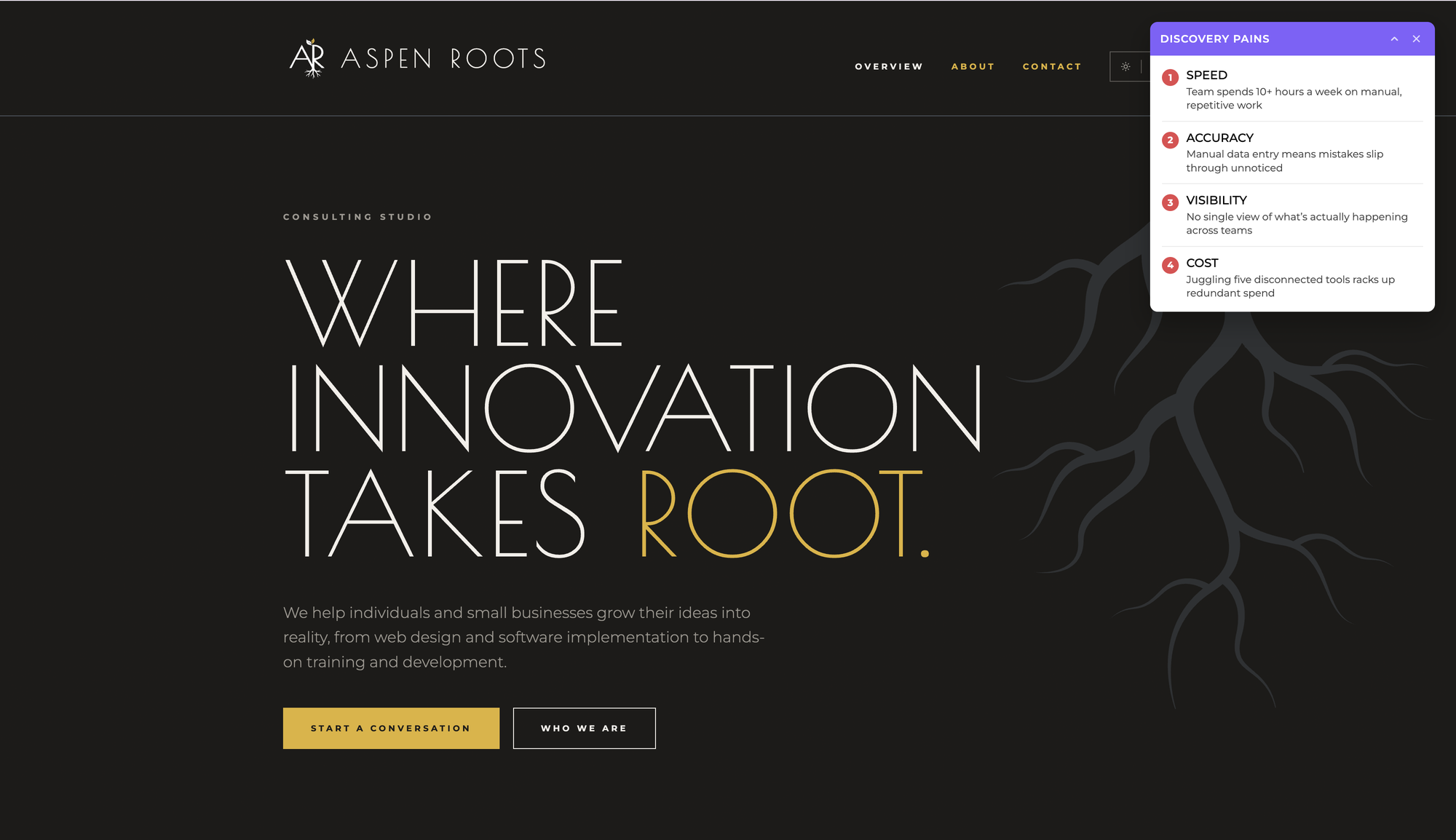
For live sales demos. Put the pains from discovery on screen and mark each one solved as you address it.
Agenda
For any structured meeting, training, webinar, or client call. Track topics and mark them complete.
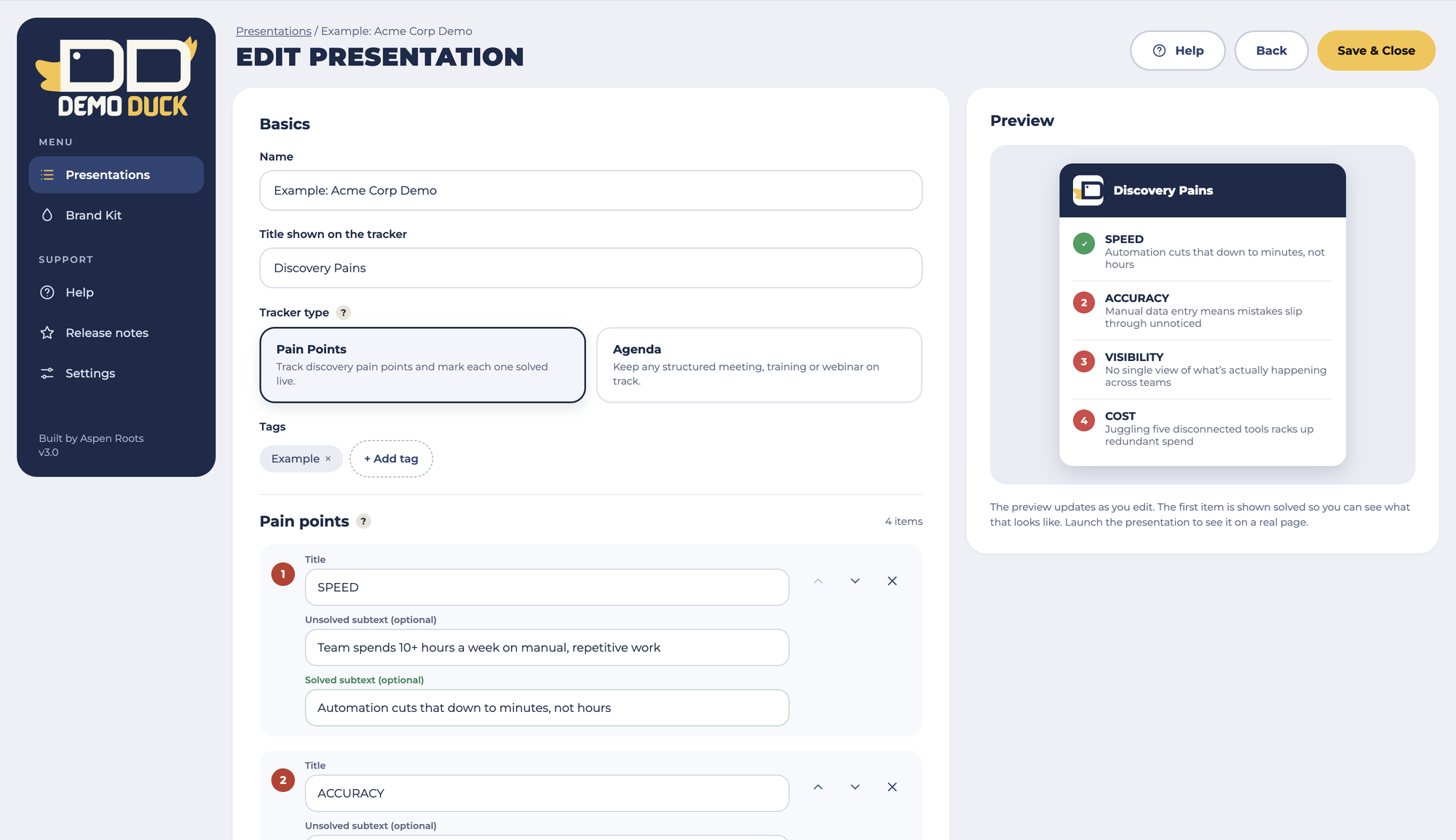
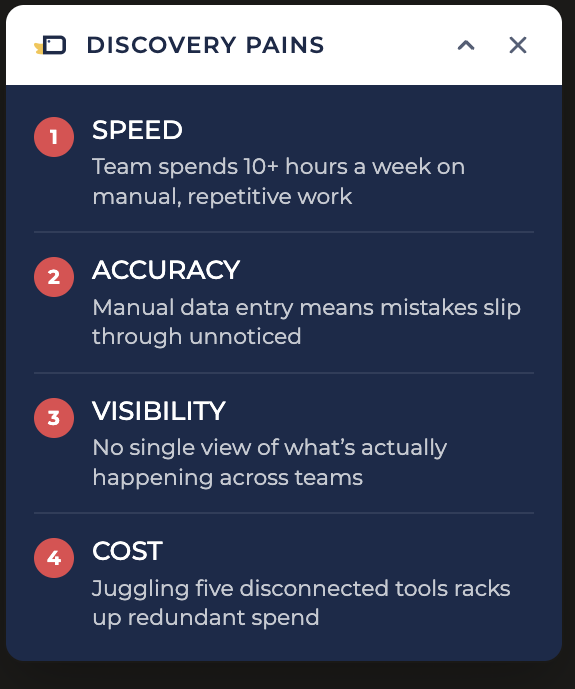
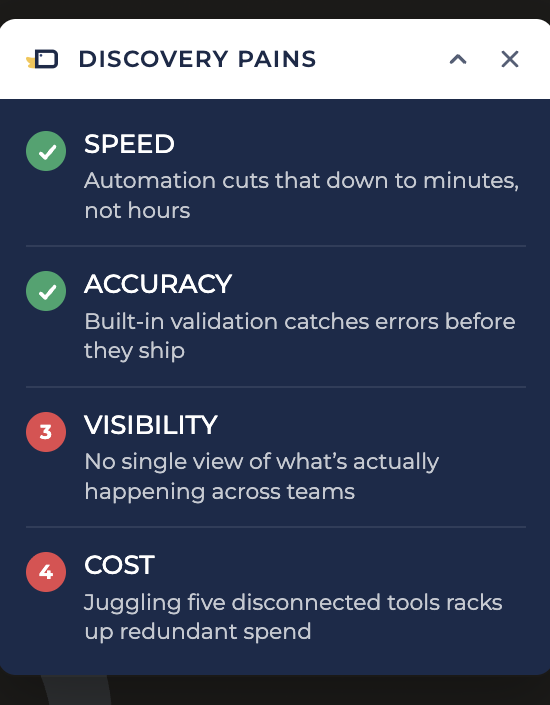
Out of the way, never out of sight.
Side panel or modal
A side panel that pushes the page over, or a small draggable modal. Neither covers what you're presenting.
Branded to the room
Add your own or a client's logo and colors to each presentation.
Keyboard shortcuts
Ctrl+Shift+1 through 9 mark your first nine items solved, no mouse needed.
Live preview
Watch your tracker update as you change colors, logo, or items.
Brand Kit
Bring their brand with you.
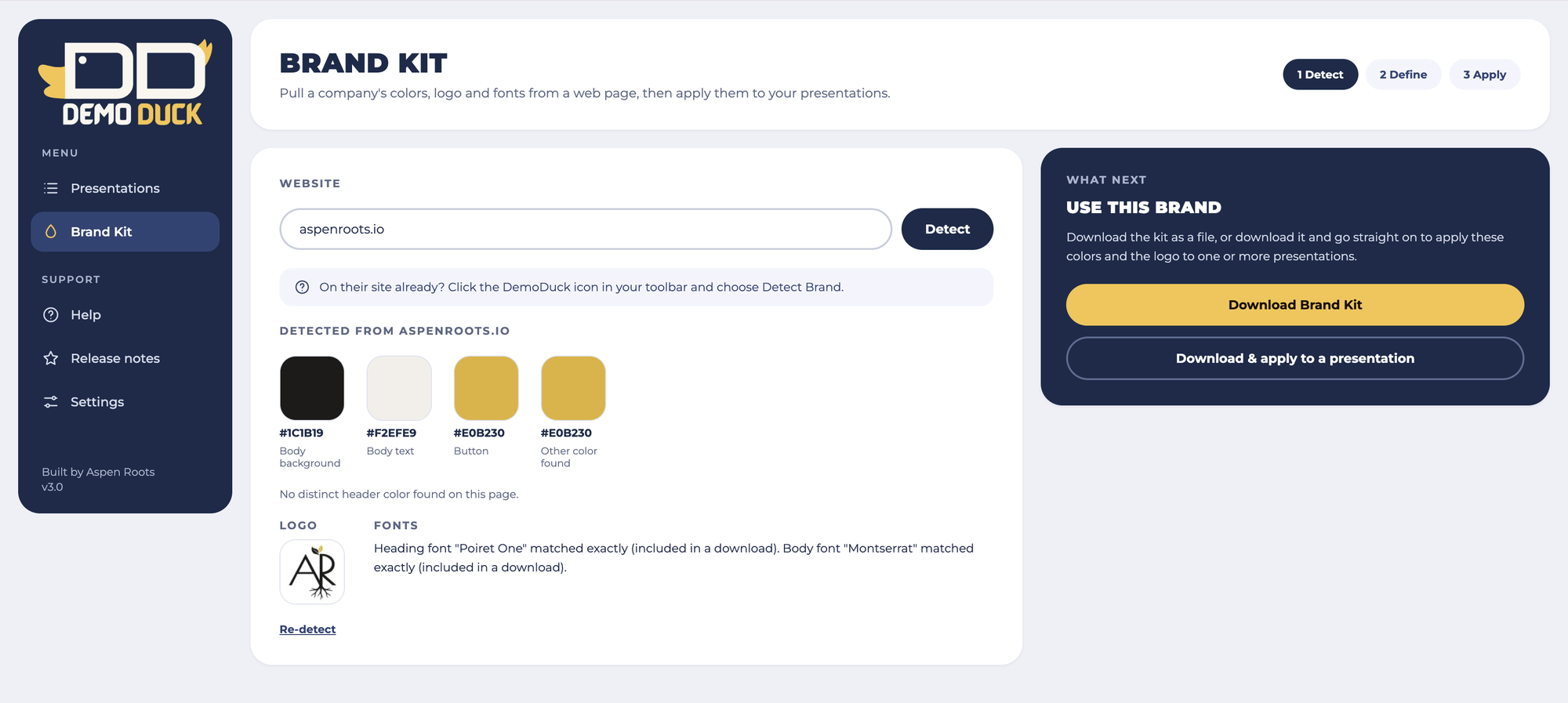
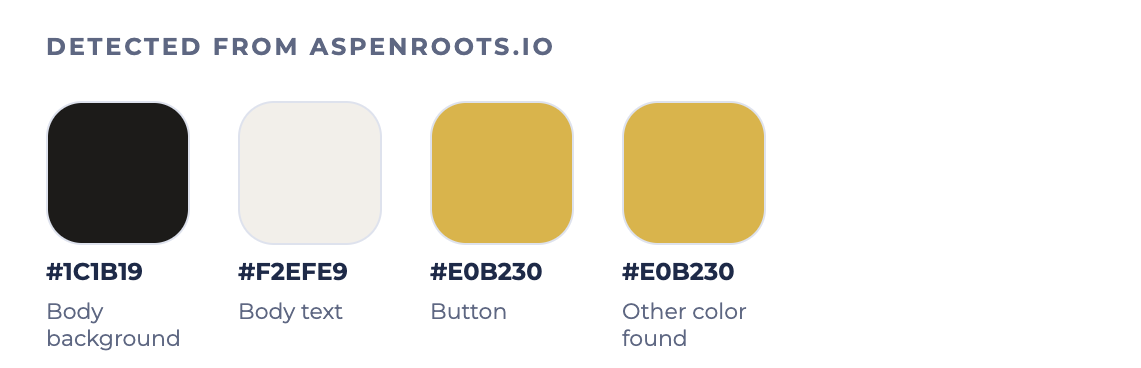
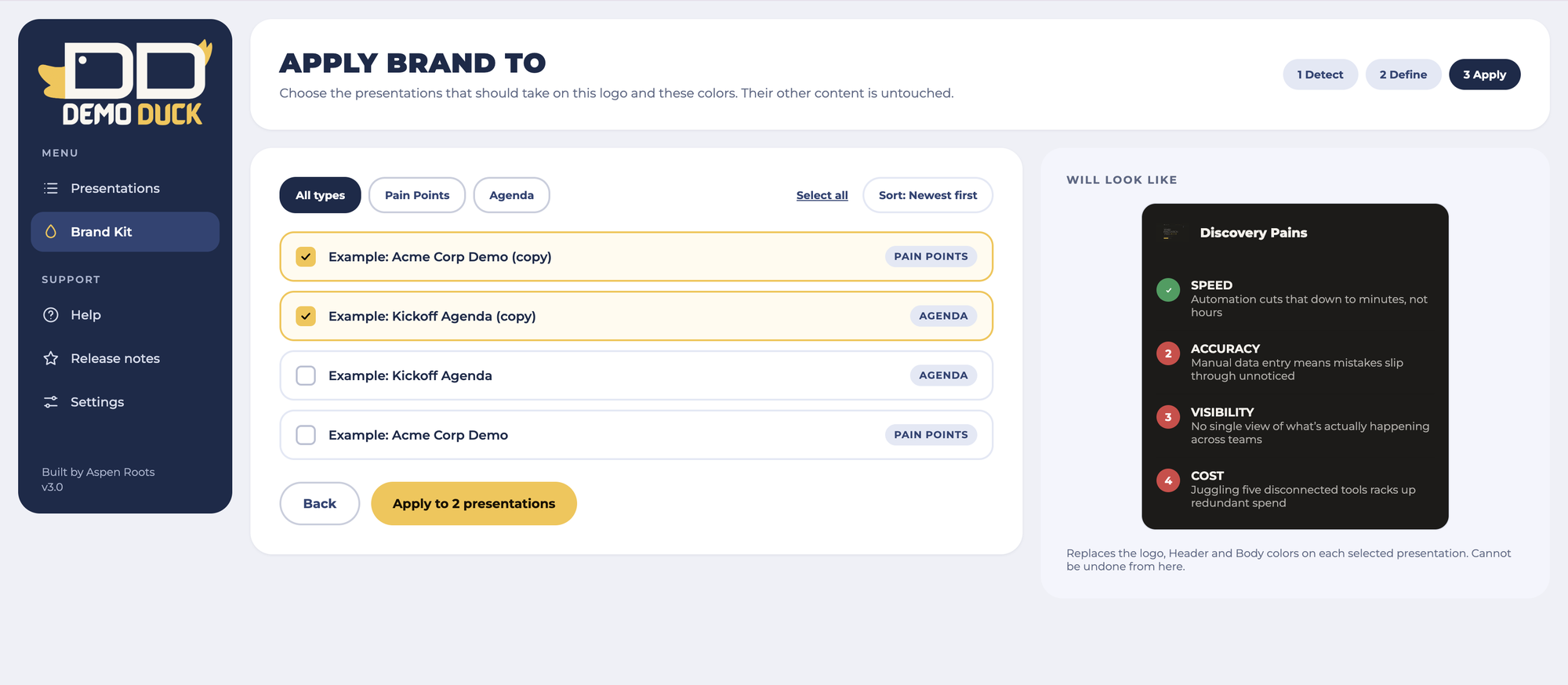
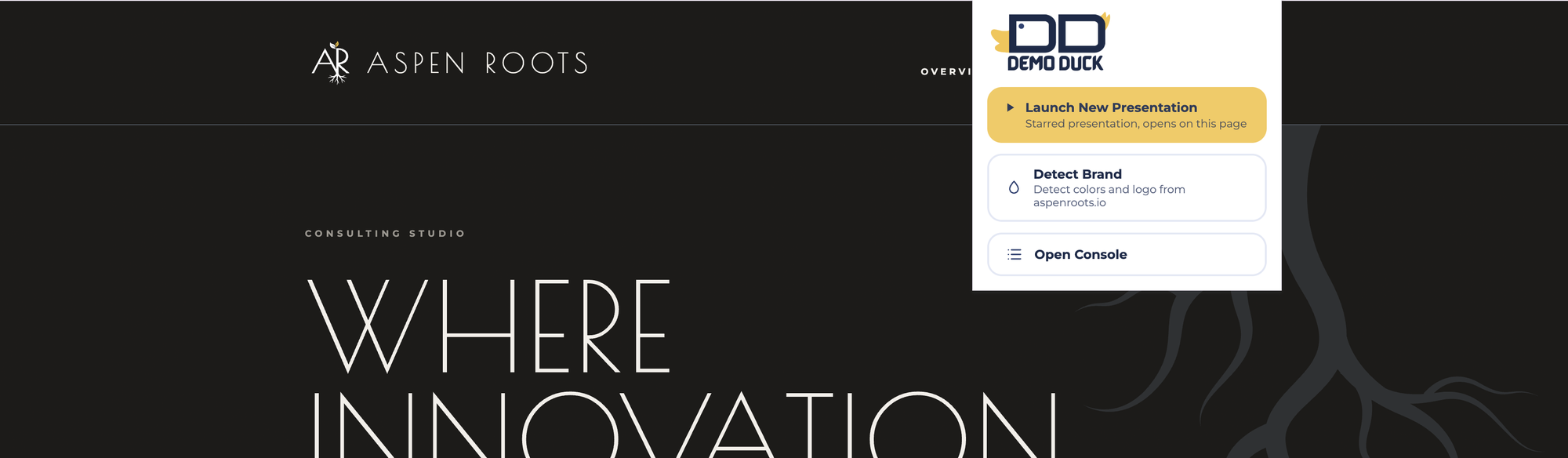
Enter a prospect's site and DemoDuck detects its colors, grabs the logo from Logo.dev, and exports the Google Fonts it uses. Download the kit, or apply it straight to one or several presentations.
- 1
Detect
Pull colors and a logo from any site.
- 2
Define
Adjust anything the pick got wrong.
- 3
Apply
Apply it to one presentation or many at once.
- Fonts that are on Google Fonts are included in the download.
Everything in order.
Tags and search
Label presentations by client or date and find any of them fast.
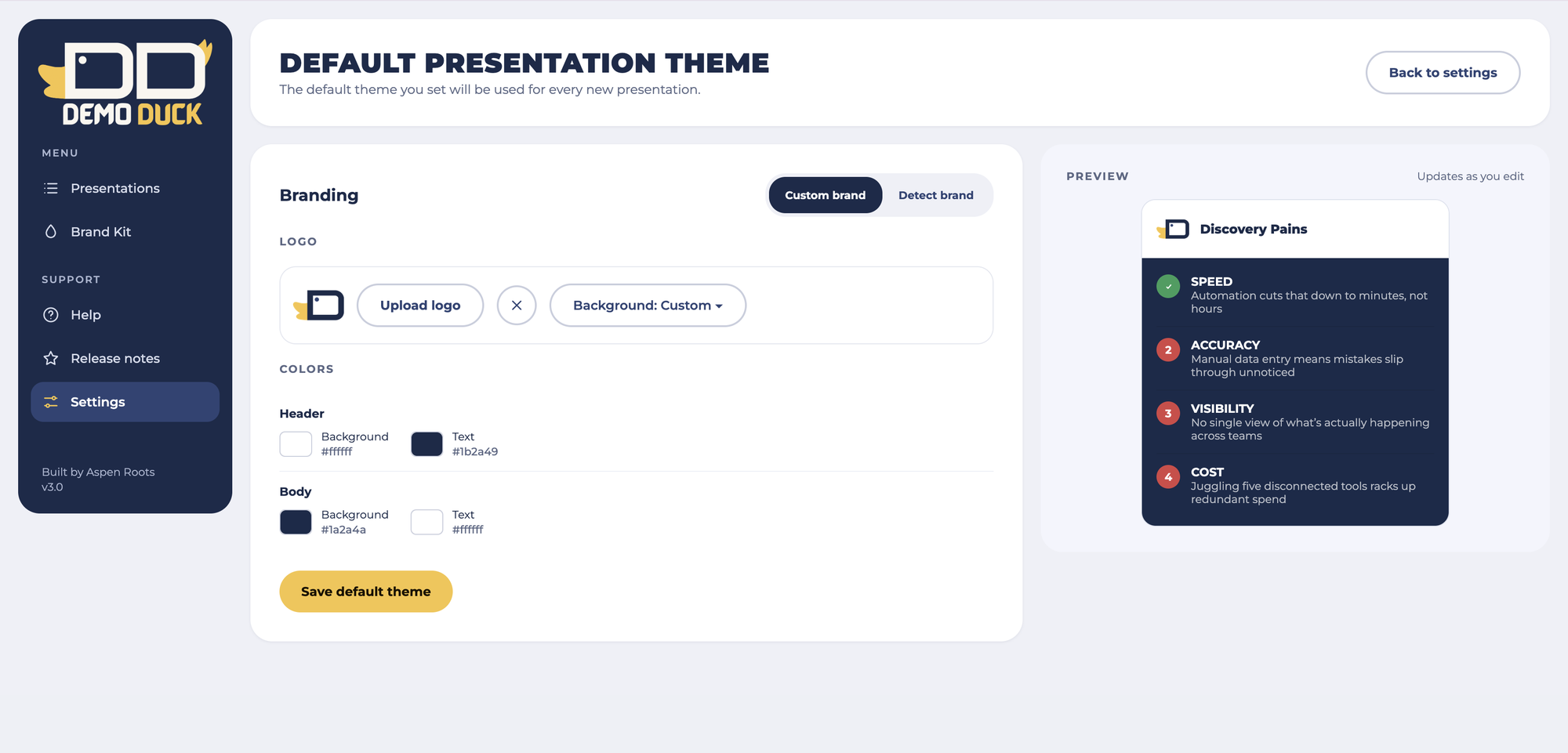
A default look
Set a default theme once and every new presentation starts with it.
Autosave
Changes to a saved presentation save automatically.
Console themes
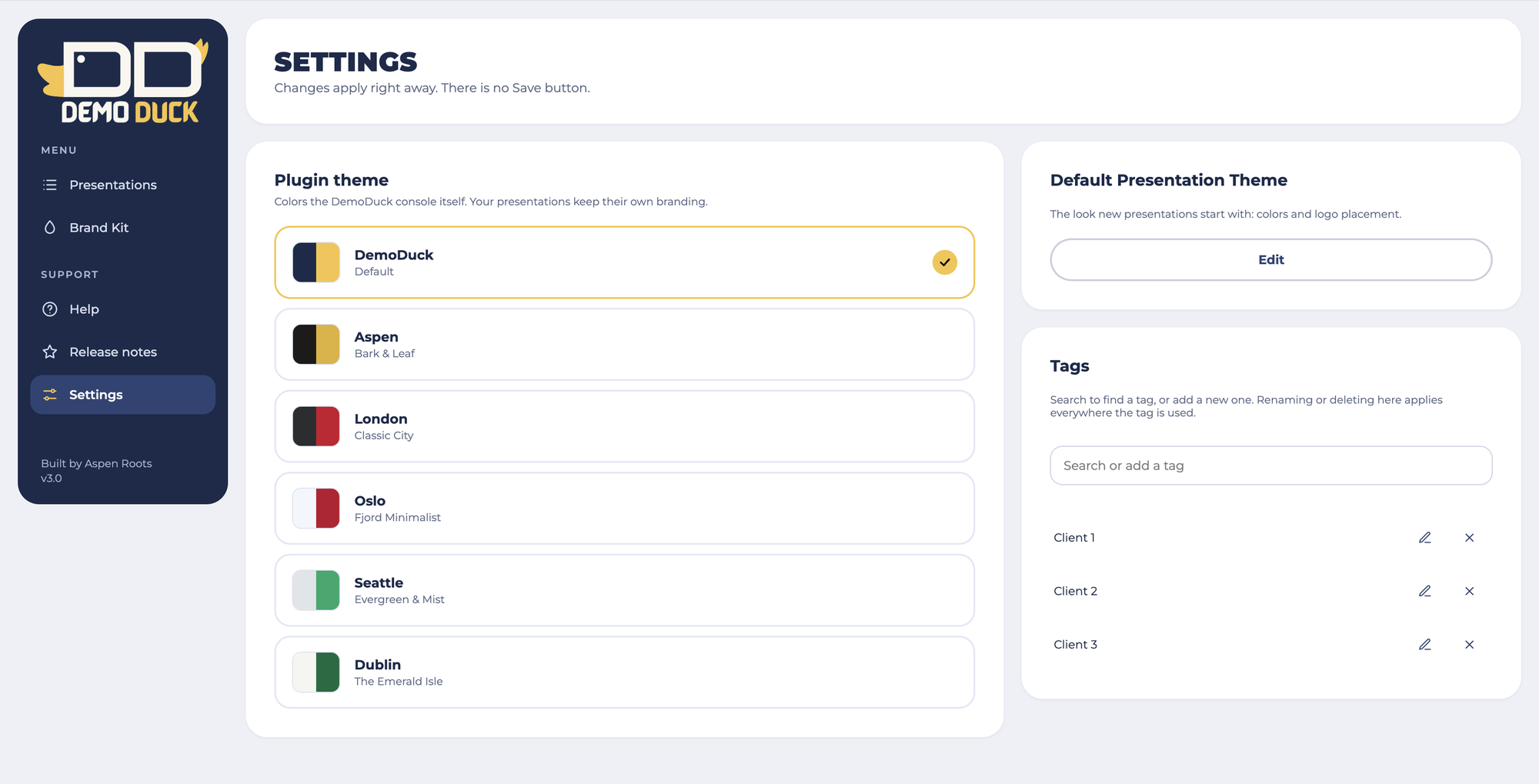
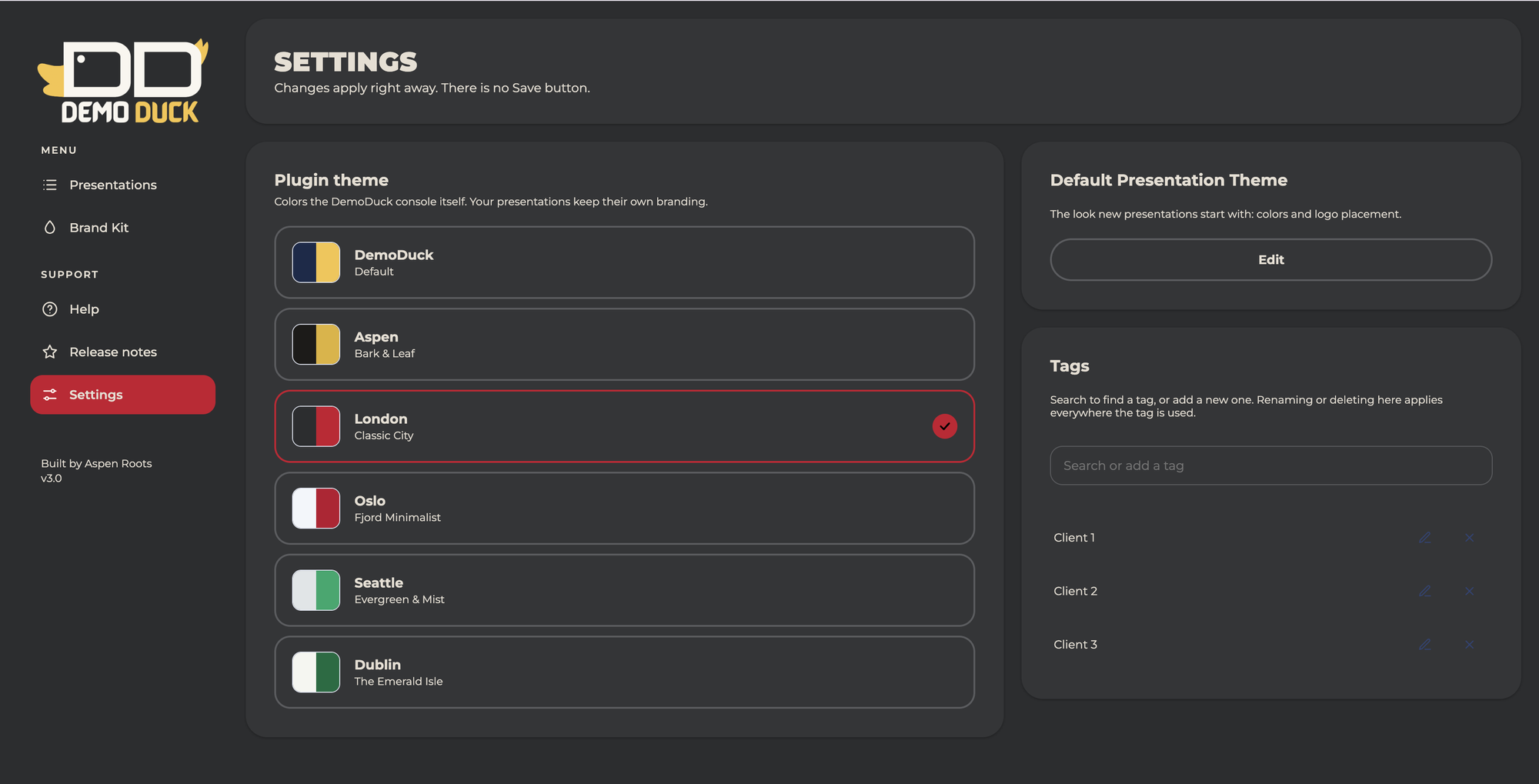
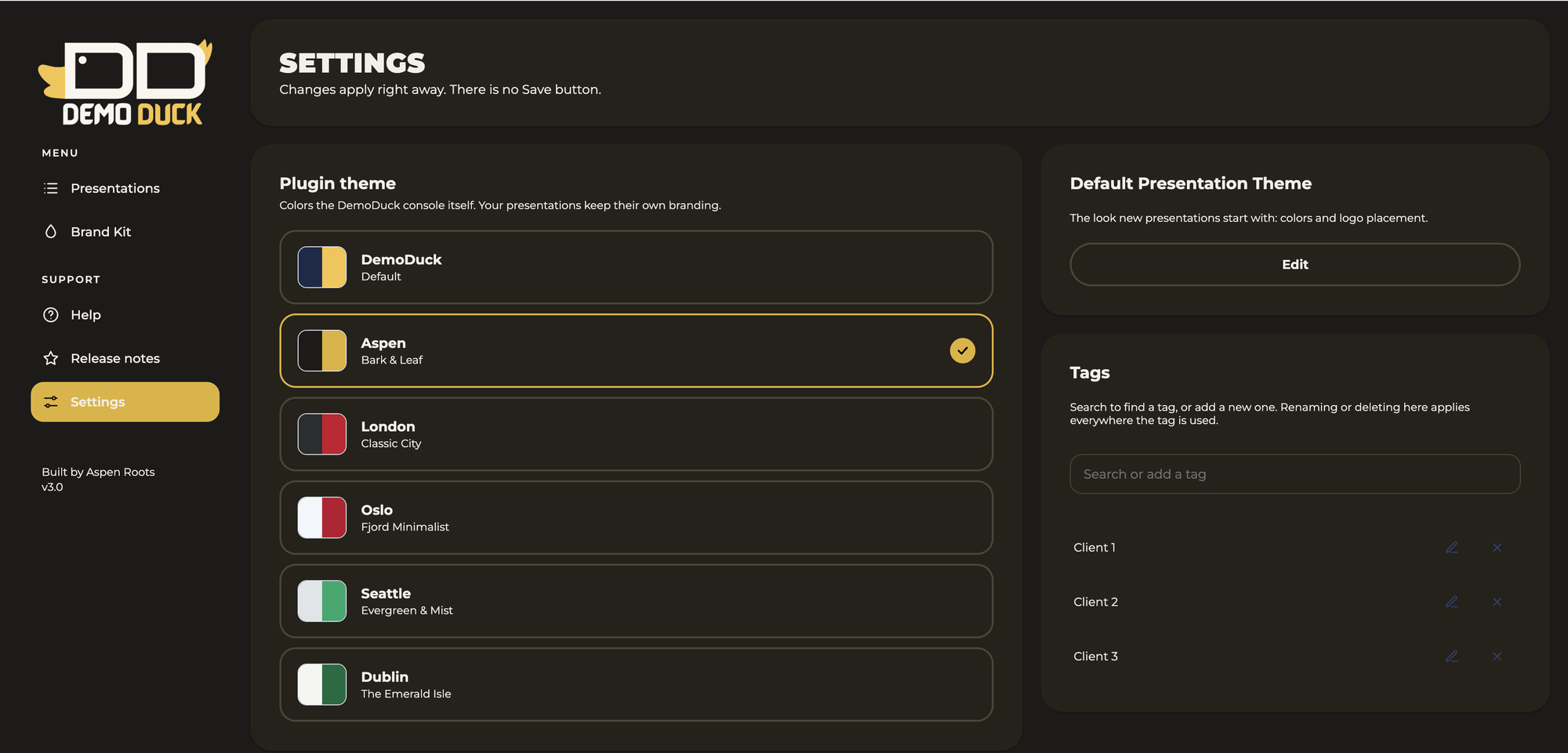
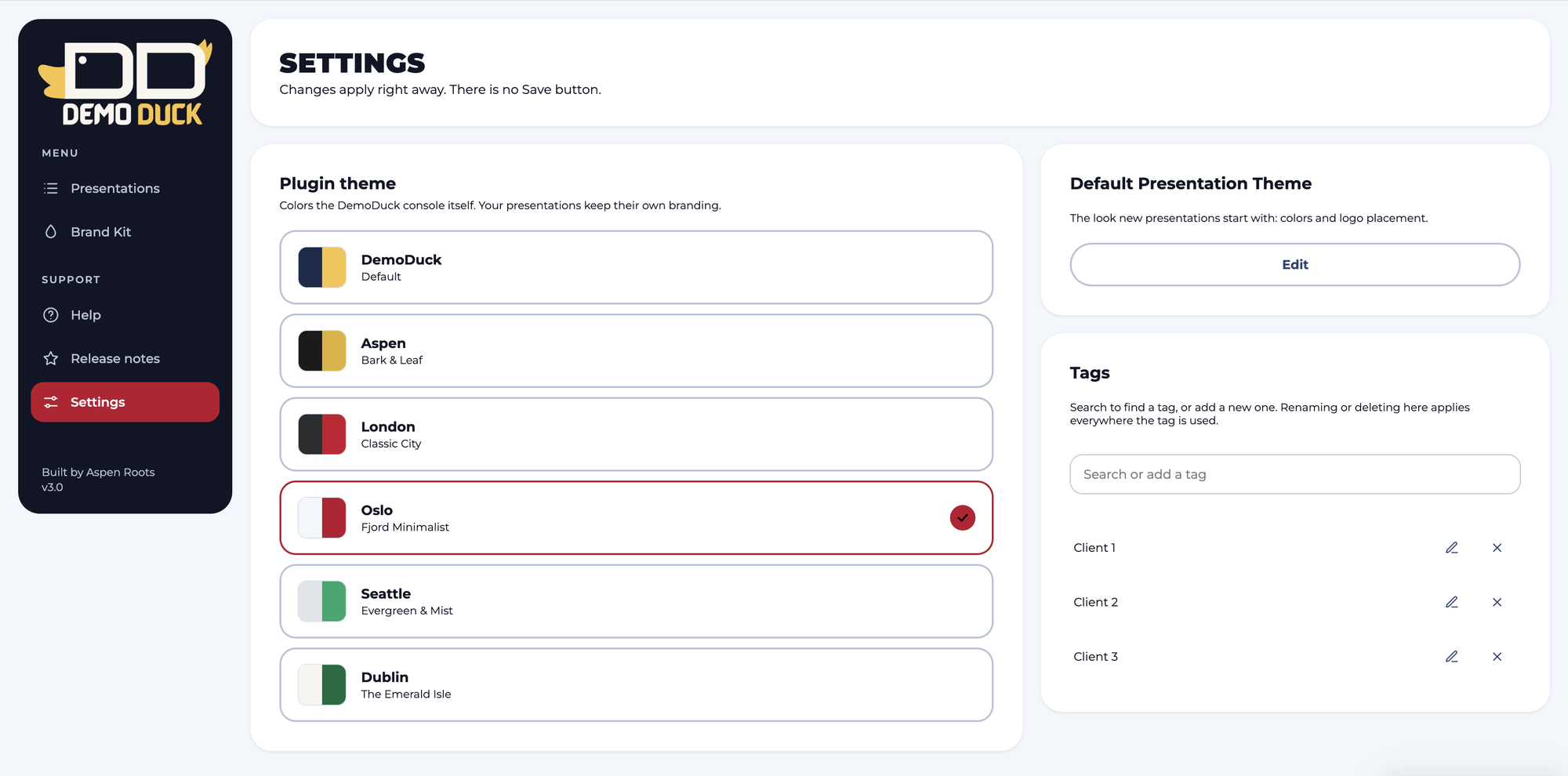
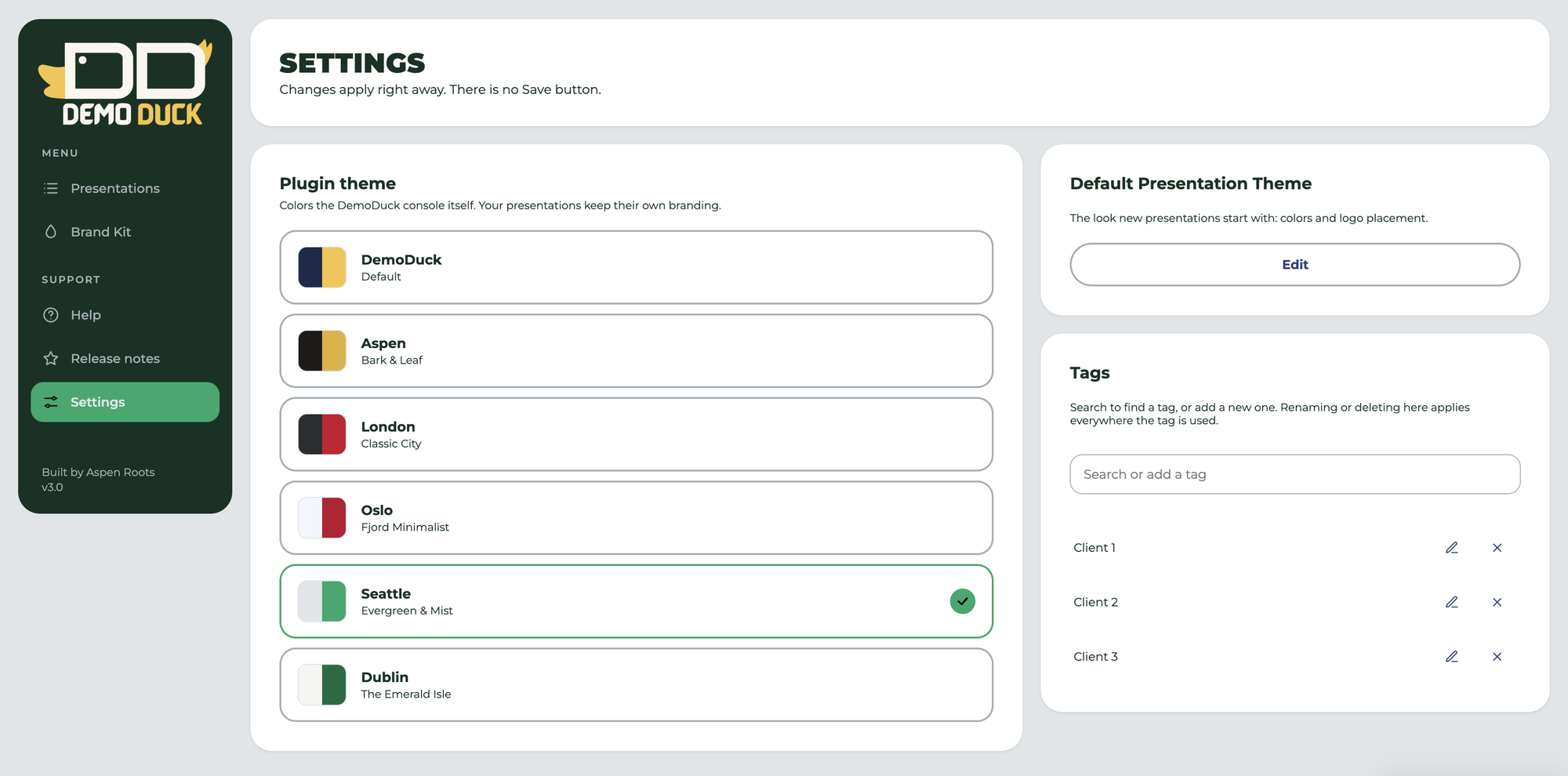
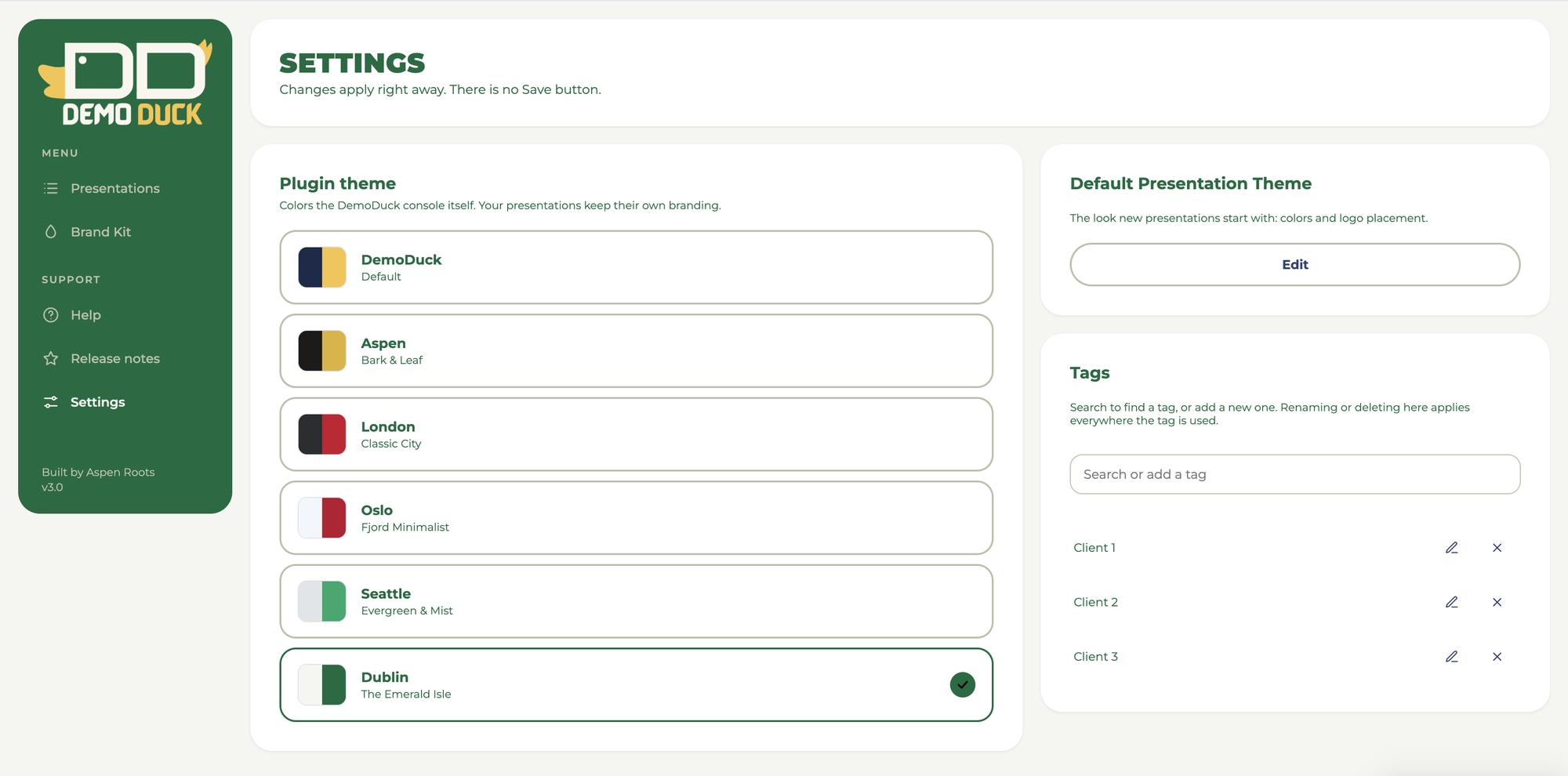
Choose from six looks for the DemoDuck workspace.